
CRDOWNLOAD File to PDF: Finish the Download or Rescue What Arrived
A .crdownload is a PDF that Chrome hasn't finished downloading. Resume it, start it again, or as a last resort rescue the pages that made it.

A CRDOWNLOAD file is a download that Chrome hasn't finished yet, so it isn't a PDF until the rest of the data arrives. To get your PDF, resume the download from the browser's Downloads page, or start it again from the original link.
There's nothing to convert: when the download completes, the browser simply renames the file and the .crdownload ending disappears. Only when the original is gone for good is it worth rescuing the part you have.

What a CRDOWNLOAD File Is
Chrome writes a download into a temporary file named like report.pdf.crdownload. We watched it in Chrome 156 on a Mac in November 2026: with a local server stalled halfway, report.pdf.crdownload sat on the disk at half the size, and when the last byte arrived it became report.pdf.
So if you still see the .crdownload ending, the download is still running, paused, or stopped before the end.
Why You Can't Convert a CRDOWNLOAD File to PDF
A PDF normally keeps its index (the cross-reference table that tells a reader where each page sits) at the end of the file, and a linearized one has a first index near the start as well. A download that stopped halfway is missing the end.
That's also why "CRDOWNLOAD converter" sites can't help: they can't invent the missing bytes.
How to Resume a CRDOWNLOAD Download in Chrome
- Open the Downloads page: Ctrl+J on Windows, Cmd+Shift+J on a Mac.
- Find the download in the list.
- Click Resume if it's shown.
- If it isn't, go back to the website and download the file again.
Google lists these and other shortcuts on its page of Chrome keyboard shortcuts.
Once the complete PDF is there, delete the leftover .crdownload file. It's just a partial copy taking up space.
Rescue the Pages From a CRDOWNLOAD File With Repair PDF
If the original link is gone (an expired portal link, a deleted email attachment), you can try to save what arrived. How much comes back depends on how the PDF was built.
- Make sure the browser isn't still downloading the file, then copy it.
- Rename the copy from .crdownload to .pdf.
- Upload it to our Repair PDF tool and click Repair PDF.
- Download the result and check every page.
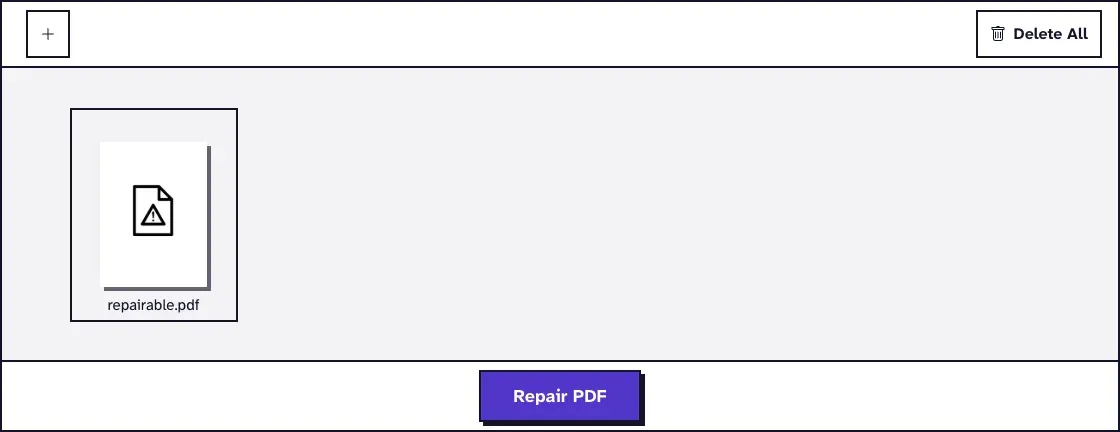
Repair PDF lets Ghostscript read whatever it can and writes those pages into a new, clean PDF. In our October 2026 tests, a 5-page PDF with only its index cut off came back with all five pages.
If the tool refuses the file, or the pages you need aren't there, the only way left is a new copy from the sender or the website.
How Much of a Cut-Off PDF Comes Back?
The way the PDF was built mattered more in our test than how much of it arrived. We cut one generated 20-page, 0.9 MB PDF with a picture on every page, saved three ways, and ran each piece through Repair PDF in November 2026:
| Bytes that arrived | Plain PDF | Linearized | Object streams |
|---|---|---|---|
| 25% | 6 pages | Refused | Refused |
| 50% | 11 pages | Refused | Refused |
| 75% | 16 pages | Refused | Refused |
| 90% | 19 pages | Refused | Refused |
| 99% | 20 pages | Refused | Refused |
| 99.9% | 20 pages | 20 pages | Refused |
Refused means the page said "This file could not be read as a PDF. It may be damaged or not a PDF at all." In the plain rows up to 99%, the last page came back without its picture, so check every page. You can't tell the layout from a .crdownload file, and it costs nothing to try on a copy, but a refusal means you need a new download.
To try the same Ghostscript rebuild on your own computer, our guide to command line PDF tools shows its basic command.
How to Stop Downloads Ending as CRDOWNLOAD Files
Wait for the download to finish before you close the browser or put the laptop to sleep. Keep some free disk space, and on an unstable connection, download big files over a cable or a stronger Wi-Fi.
Once you have the full PDF, Compress PDF makes a big file easier to email again, and Remove PDF Pages drops pages you don't need. If it should stay private, add a password with Protect PDF.
Frequently Asked Questions about CRDOWNLOAD File
Can I just rename a CRDOWNLOAD file to PDF?
Only if the download actually finished and the browser didn't rename it. A partial file renamed to .pdf is still missing its end, so try Repair PDF on a copy.
Can I delete a CRDOWNLOAD file?
Yes, once you have the complete PDF, or if you're going to download it again.
Why won't my CRDOWNLOAD download resume?
The file itself won't tell you, and the cause may be the website's end. Go back to the original page and download the file again.
Is a CRDOWNLOAD file a virus?
No. It's a normal temporary file from Chrome. It only becomes the file it was meant to be, safe or not, once the download completes.