
How to pick the right PDF converter
A PDF is made for reading and printing, not for changing. To convert from PDF, decide what you want to do with the content next: edit the text, reuse the pictures, calculate with the numbers or keep the file for years.
Every converter is free, needs no account and adds no watermark. Going the other way? Convert to PDF lists the converters that create a PDF.
Choose a PDF ConverterEdit the text in Word or PowerPoint
PDF to Word turns one or more PDFs into DOCX files that open in Microsoft Word or LibreOffice Writer. The RTF and ODT converters do the same job for other word processors.
PDF to PowerPoint makes each page a slide, with the text in editable text boxes and the images as pictures. Want to read the PDF on an e-reader instead? PDF to EPUB turns it into a reflowable eBook.
Which image converter for which job
All the page converters draw each page with Ghostscript, except PDF to SVG, which uses pdftocairo and keeps vector shapes. Where they differ is resolution, whether you can pick pages, and what a single page comes back as. We read this table off each converter's own code.
| Converter | Resolution | Pick pages | A one-page PDF gives | Largest PDF |
|---|---|---|---|---|
| PDF to JPG | 300 dpi, quality 100 | Yes | a ZIP | 25 MB |
| PDF to PNG | 300 dpi | Yes | a ZIP | 25 MB |
| PDF to TIFF | 300 dpi, LZW | Yes | a ZIP | 25 MB |
| PDF to HEIC | 300 dpi | Yes | one .heic file | 25 MB |
| PDF to BMP | 150 dpi | Yes | a ZIP | 10 MB |
| PDF to GIF | 150 dpi | No, every page | a ZIP | 25 MB |
| PDF to PSD | 150 dpi | No, every page | one .psd file | 25 MB |
| PDF to SVG | vector | No, every page | one .svg file | 25 MB |
| PDF Thumbnail | 36 dpi | First page only | one .png file | 25 MB |
None of the raster converters keeps a transparent background, since each one draws the page on white first. If you're after the pictures inside a PDF rather than whole pages, Extract Images copies every embedded image at the resolution stored in the file.
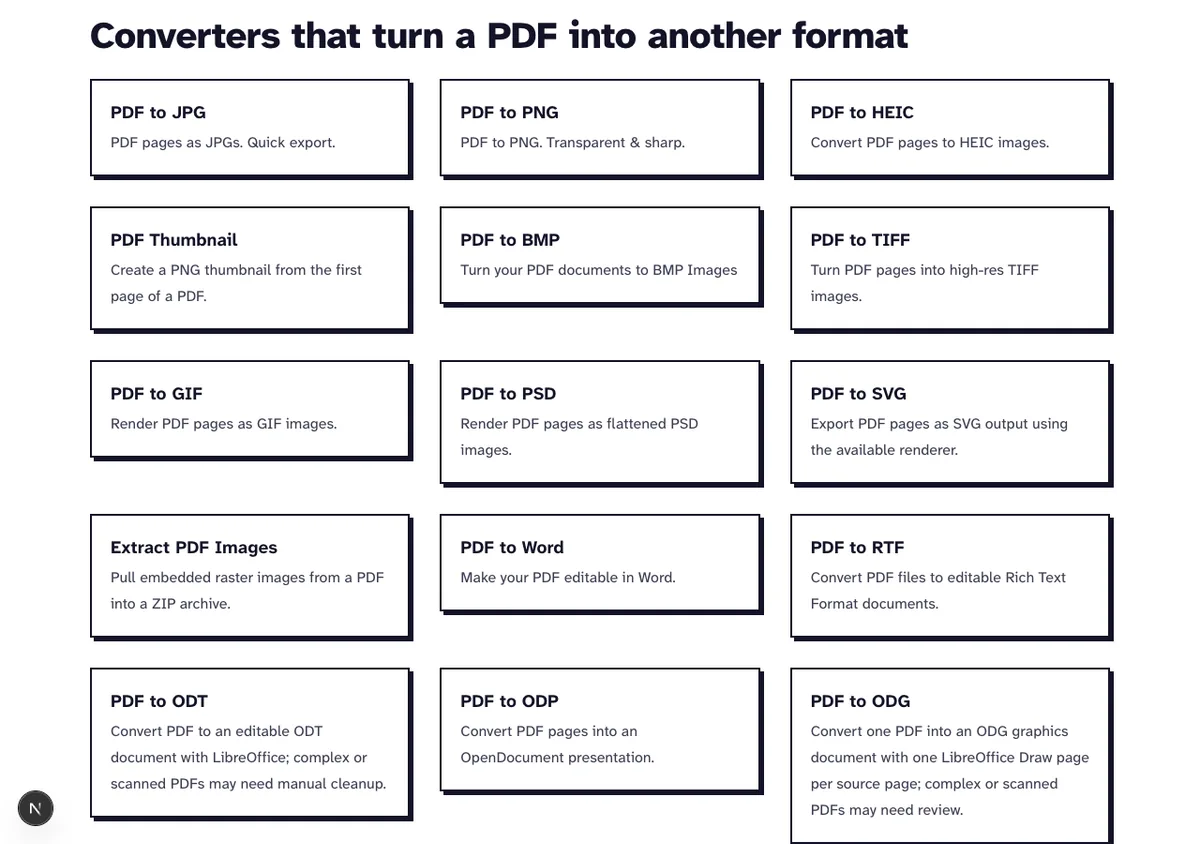
One PDF through every image converter
In October 2026 we sent the same file, test3.pdf (2,035 bytes, five pages with one line of text each), through every page converter with all pages selected. The sizes below are the unpacked images, not the ZIP.
| Converter | Five pages unpacked | Download | Pixels per page |
|---|---|---|---|
| PDF to GIF | 36,883 bytes | 37,313 bytes | 1042 by 1042 |
| PDF to HEIC | 79,980 bytes | 67,350 bytes | 2083 by 2083 |
| PDF to SVG | 117,040 bytes | 31,479 bytes | vector |
| PDF to PNG | 157,813 bytes | 74,692 bytes | 2083 by 2083 |
| PDF to JPG | 740,868 bytes | 378,440 bytes | 2083 by 2083 |
| PDF to TIFF | 1,505,479 bytes | 160,461 bytes | 2083 by 2083 |
| PDF to BMP | 16,297,150 bytes | 49,858 bytes | 1042 by 1042 |
| PDF to PSD | 16,299,860 bytes | 61,303 bytes | 1042 by 1042 |
You'll often read that JPG files are smaller. Here they weren't: our JPGs are saved at quality 100, and on text pages that made them almost five times the size of the PNGs. Even on our 12-page sample of app screenshots the JPGs took 4,874,937 bytes unpacked, against 3,062,576 for the PNGs.
Photos flip it. Our photos.pdf, five A4 pages filled edge to edge with real photographs at 300 ppi (11,808,831 bytes), came to 25,923,753 bytes as JPG, 65,549,339 as PNG and 6,662,374 as HEIC, all unpacked.
So for pages of text, tables and screenshots, go with PNG: it's smaller and keeps every pixel. For photo pages use JPG, or HEIC if the images stay on Apple devices. BMP and PSD store raw pixels, which means a ZIP that looks small can unpack to hundreds of times its size.
Checked: nothing added to the files
We didn't want to take "no marks" on trust, so we checked. In October 2026 all 17 PNG pages of test3.pdf and our screenshot sample were byte for byte the same as a plain Ghostscript render with the same settings, which means nothing gets drawn onto the pages.
The Word, PowerPoint, Excel and text exports of test3.pdf held only words from the PDF itself. Five conversions of the same file in a row all went through, and the code doesn't keep a count of files per visitor.
Converters you combine, and in which order
For pictures, crop first and convert second. Crop PDF only sets the visible area of each page, and the image converters draw just that area: a 680 point test page cropped by 100 points on every side came out of PDF to PNG at 2000 by 2000 pixels.
A scan holds pictures of pages, so the Word, Excel and text converters find nothing to export. Run OCR PDF from our PDF optimization tools first (it adds English text you can select), then convert that result.
If your archive wants one multi-page TIFF, convert with PDF to TIFF and join the pages on your computer; our guide to combining the TIFF pages has a command we tested. For a page that's headed for a slide or a web page, convert to PNG and pick only that page.
Get the text and numbers out
PDF to Excel exports the selectable text into an XLSX spreadsheet, one row per line of text. The CSV, ODS and JSON converters export the same text in other formats.
PDF to Text writes the text of every page into a plain TXT file that opens in any editor.
Keep a PDF for the long term
PDF to PDF/A converts a file to PDF/A-2b, the archive version of PDF. The fonts get embedded, so the file still opens the same way years from now.
Frequently Asked Questions about Converting from PDF
Which format should I convert my PDF to?
Word if you want to edit the text, PNG to share text pages as pictures, Excel to work with the numbers. For archiving, pick PDF/A.
Is JPG or PNG smaller for PDF pages?
In our tests PNG was smaller for text pages and for screenshots, because our JPGs use the top quality setting. Five pages of photographs went the other way: 25,923,753 bytes as JPG against 65,549,339 as PNG.
How large can the PDF be?
Up to 25 MB for every converter here, PDF to Word, PDF to Excel, PDF to Text and PDF to PDF/A included. PDF to BMP is the one exception at 10 MB, and the page turns down a larger file before it uploads.
Will the layout stay the same?
Image formats show the page exactly as it looks. Word, PowerPoint and Excel files rebuild the content as text boxes, rows or paragraphs, so a complex layout can shift.
What happens to my files?
We delete uploaded files from our server within two hours. Nothing gets shared or kept.