
How to choose a converter to create your PDF
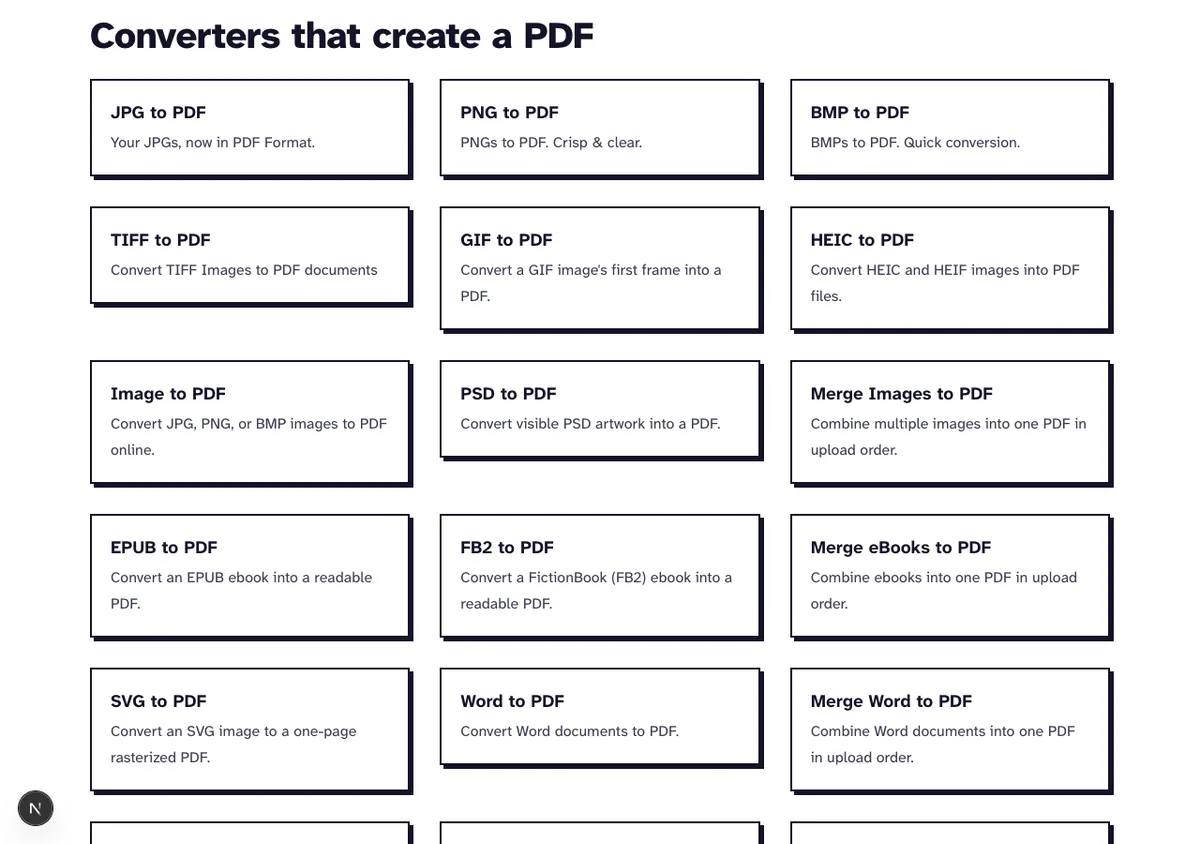
A PDF looks the same on every screen and printer, which is why forms, applications and archives ask for one. To convert a file to PDF here, open the converter for its format: each one knows how that format stores pages, fonts and pictures.
Every converter is free. You don't need an account, and none of them adds a watermark.
Choose a ConverterWhich image converter for which job
The image converters overlap a lot. Where they differ is in what they let you set, so pick by the files you've got and by how much say you want over the page.
| Converter | Files in one run | Page | Your choices |
|---|---|---|---|
| JPG to PDF, PNG to PDF, BMP to PDF, TIFF to PDF | Many files of that one format, each uploaded on its own (25 MB each) | A4, Letter or the image's own size | Order, rotation, orientation, margin of 0, 20 or 40 points, one PDF or a ZIP of one PDF per image |
| Merge Images to PDF | JPG, PNG and BMP mixed, sent together (25 MB each, 500 MB in all) | Each page the size of its image, no margin | Page order only |
| Image to PDF | One JPG, PNG or BMP | A4, turned to match the image, no margin | None |
| HEIC to PDF | One iPhone photo | Portrait A4, photo centered | None |
| GIF to PDF | One file | The image's own size | None |
| PSD to PDF | Several PSD files, one PDF each, downloaded as a ZIP | The image's own size | None |
Image to PDF runs the same code as JPG to PDF at its defaults, so you get the same file from both. Our 35.6 KB test.jpg came back as a 37,778 byte PDF either way in October 2026.
HEIC to PDF always makes a portrait A4 page. That means a landscape iPhone photo only fills the middle band of the sheet, so turn it in the Photos app first if you want it to fill the page.
What each image converter keeps or changes
None of the converters has a quality setting. What happens to the picture depends on its format, and we checked each case on our local test server in October 2026.
| You upload | What goes into the PDF | Our run |
|---|---|---|
| Upright JPG | The original JPEG bytes, not compressed again | A 4032 by 3024 test JPEG of 6,521,312 bytes was embedded at exactly 6,521,312 bytes |
| JPG with an Exif rotation tag | Turned upright and saved again as JPEG at quality 92, which is lossy | The same picture tagged to turn came back as a 3024 by 4032 image of 6,570,768 bytes |
| PNG | The PNG kept lossless, transparency stored as a separate soft mask | Not run again here |
| BMP | Pixels stored losslessly as PNG data; a 32-bit alpha channel is dropped and RLE-compressed files are refused | A sideways 200 dpi A4 text scan of 11.1 MB became a 290,065 byte image |
| HEIC | Decoded and saved again as JPEG at quality 92, which is lossy, so the file grows | A 654,782 byte HEIC gave a PDF of 1,453,154 bytes |
| GIF | The first frame only | Not run again here |
| PSD | The flattened picture Photoshop saves in the file, or the visible layers when it has none | Not run again here |
That's why a BMP or HEIC PDF comes out much bigger than a JPG one of the same picture. Shrink it afterwards with Compress PDF, one of our PDF optimization tools.
Where your file is processed and when it is deleted
Every converter here runs on our own server, and how long your file stays there depends on which one you use. The JPG, PNG, BMP and TIFF converters delete your PDF the moment you've downloaded it; most of the others keep the job for one to two hours.
| Converter | What runs on our server | When the file is deleted |
|---|---|---|
| JPG, PNG, BMP and TIFF to PDF | One image at a time; joining the pages and any rotation happen in your browser | The upload as soon as its page is made, the PDF as soon as your browser has downloaded it |
| Merge Images to PDF | All images in one request | Uploads and PDF once the PDF has been sent back |
| Image to PDF, HEIC, GIF and PSD to PDF, the Office converters, EPUB to PDF | The whole conversion | Upload and PDF together by a cleanup that runs about every hour and removes jobs older than one hour |
We checked the first and last rows on our local test server in October 2026 by looking straight into the server's job folder. With JPG to PDF, the upload of test.jpg was already gone before we downloaded, the job folder vanished right after the download, and a second download attempt got "not found".
Image to PDF made the same 37,778 byte PDF. After the download, though, its upload and PDF were still sitting on the server waiting for the hourly cleanup, so use JPG to PDF when you want a photo off our server at once.
A phone photo of a letter to a searchable PDF
A photo of a printed page is only a picture, so it takes two converters to make its text searchable. We ran the chain in October 2026 on a 3024 by 4032 HEIC image of a page with 34 lines of text, 654,782 bytes, made for the test.
- HEIC to PDF made a portrait A4 PDF of 1,453,154 bytes in 0.6 seconds. A JPG photo should go through JPG to PDF instead, which keeps its bytes.
- OCR PDF, which sits with our optimization tools, read the page in 1.9 seconds and gave a PDF of 2,825,587 bytes. A text search found all 34 lines.
OCR PDF renders the page again at 300 dpi and lays the recognised text over the picture as an invisible layer. In our run the page stayed A4, so it looks just like the photo you converted.
Several Office files into one PDF
Merge Office to PDF takes Word, Excel, PowerPoint, OpenDocument, RTF and CSV files. LibreOffice converts each file on its own, and your browser joins the PDFs in the order you added them.
You'd get the same thing by converting each file with Word to PDF or its siblings and joining them yourself, only with one step less. The merged file only appears once every file has converted, so one broken file stops the whole set (convert that one alone to see why).
Want Office pages mixed with a PDF you already have? Convert the Office files first, then join everything with Merge PDF from our page organizing tools.
eBooks, web pages and emails
EPUB to PDF lays out a DRM-free eBook on US Letter pages, and FB2 files have a converter of their own. Webpage to PDF opens the address you paste in headless Chromium and prints it to A4; Email to PDF turns an EML file into a PDF with its subject, sender, recipients, date and text.
Frequently Asked Questions about Converting to PDF
Which converter should I use for a mix of photos and screenshots?
Merge Images to PDF, if they're JPG, PNG or BMP files. It sizes each page to its picture; go to the format converters when you need A4 or Letter pages.
Will my PDF look exactly like the original?
Office files are laid out by LibreOffice, which has the common Office fonts. A font that isn't installed gets swapped for a similar one, so check documents that use unusual fonts.
What happens to my files after converting?
Uploaded files are deleted from our server within two hours, and the JPG, PNG, BMP and TIFF converters delete each PDF as soon as you've downloaded it. Nothing is shared or kept.
Do I need Microsoft Office to convert Word files?
No. LibreOffice opens DOC and DOCX files on our server, so a browser is all you need.