
PDF Password Remover: How to Choose One, and What None of Them Can Do
Most removers need the password you already know, and the ones that don't are only guessing. Here's how to tell them apart and keep your file private.

A PDF password remover takes the protection off a file and gives you a copy that opens freely, but nearly all of them need the password first. So the real choice comes down to what you know: with the password, any decent tool will do, and without it you're not looking for a remover at all.
This post is about picking one. If you just want the steps in Chrome, Preview or Acrobat, see our guide to removing a password with built-in apps.
The Kinds of PDF Password Remover Compared
| Kind | Needs the password that opens it? | Where your file goes | Result |
|---|---|---|---|
| Online decrypting tool, like Unlock PDF | Yes | To the site's server | True decrypted copy, content unchanged |
| Command-line tool, like qpdf | Yes | Stays on your computer | True decrypted copy, content unchanged |
| Print to PDF in a browser or Preview | Yes | Stays on your computer | A new PDF, rebuilt |
| Acrobat Pro | Yes | Stays on your computer | Security removed |
| Recovery software | No, it guesses | Stays on your computer | Only works if the guess succeeds |
What a PDF Password Remover Can and Can't Do
With the owner password, a good remover writes a new copy with no encryption, so neither the open password nor any print or copy limits stay. The pages get copied as they are, so text and images stay put.
Without it, no remover can decrypt the file. The open password is what the file is encrypted with, so software can only try passwords until one fits, and a long random one won't fall. Our guide to what to do when you forgot the password covers your options.
Two exceptions are worth knowing. A file with only a permissions password opens without one. And 40-bit files are weak whatever the password, according to the qpdf manual.
How to Judge a PDF Password Remover Before You Upload
- Does it ask for the password? A site that says it opens any PDF with no password is promising something it can't do for a strong one.
- Does it say when your file gets deleted? Look for an actual time limit, on a page you can find.
- Does it want an install for a one-off job? Be wary of downloads from a site you found a minute ago.
- Does it keep the content as it is, or rebuild the pages? Printing to a new PDF is a rebuild.
- Is the file too sensitive to upload at all? If so, use a local tool, whatever the site promises.
A digital signature won't survive any of these, since the file gets rewritten. Keep the protected original if the signature matters.
How to Use Our Free PDF Password Remover
Unlock PDF runs qpdf on our server and hands it the password you typed. It doesn't guess: a wrong password just gets you an error message.
- Upload the protected PDF (up to 25 MB), or drag it onto the page.
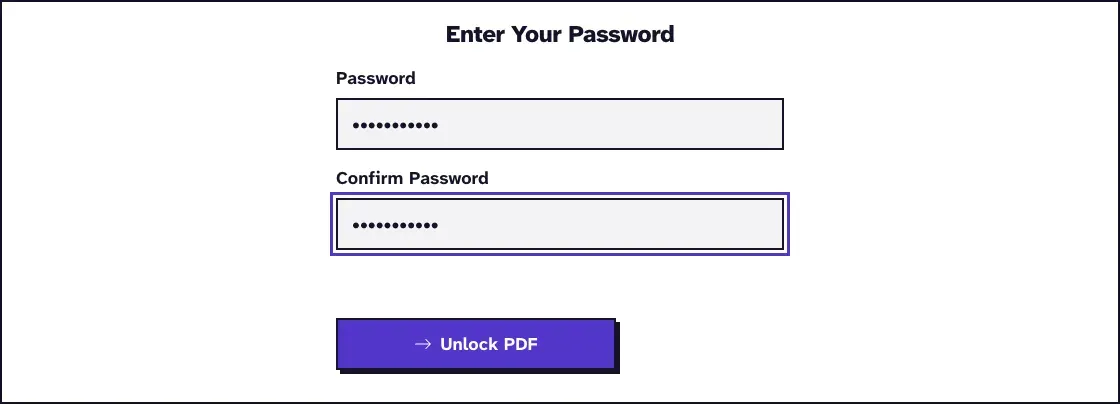
- Type the password in Password and Confirm Password. If the file opens but won't print or copy, that's its permissions password, also called the owner password.
- Click Unlock PDF.
- Download the copy and check that it opens without a password.
We tried a file like that in November 2026, in Chrome on a Mac: a generated one-page PDF that opened freely but had printing and changes turned off.
With the owner password the copy came back unencrypted, one page and 4.9 KB. A wrong one stopped at "Incorrect password. Please check and try again."
If you don't have that password, ask whoever made the file.
Files travel over HTTPS and are deleted automatically within two hours. Our guide on what happens to the temp file explains what goes on in between.
Remove a PDF Password Offline With qpdf
For a file that shouldn't leave your computer, qpdf does the same job we do on the server. It's free: install it with brew install qpdf on a Mac or sudo apt install qpdf on Debian or Ubuntu.
1qpdf --password=YOURPASSWORD --decrypt locked.pdf unlocked.pdfThat leaves the password in your shell history. To avoid it, or to do a folder of files with the same password, save the password as the first line of pw.txt in a text editor and run this in Terminal:
1for f in *.pdf; do qpdf --password-file=pw.txt --decrypt "$f" "unlocked-$f"; doneThree test files came out unencrypted this way in November 2026, with qpdf 12.2.0 on Linux. Delete pw.txt afterwards.
After You've Removed the Password
Anyone who gets the copy can read it, so don't leave it lying around. Finished editing? Put a new password on with Protect PDF.
If you only needed to read the file, you may not need a remover at all. See how to open a password protected PDF.
Frequently Asked Questions about PDF Password Remover
Is it legal to use a PDF password remover?
Use one only on your own files or with the owner's permission. Adobe's page warns that removing a password without permission "may violate privacy or copyright policies", and the rules vary by country.
Does removing the password reduce quality?
Not with a decrypting tool, because the pages get copied as they are. Printing to a new PDF rebuilds the file.
Is it safe to remove a password online?
That depends on the site and the file. Ours uses HTTPS and deletes uploads within two hours, but for material you mustn't upload anywhere, use a local tool.
Can a remover take a password off several PDFs at once?
Our tool does one file per run. For a batch, use the qpdf loop above.