Hidden Pictures Printable Puzzles: How to Print Sharp PDFs and Save Ink
Why these puzzles come as PDFs, how to get fine line art onto paper in one piece, and how to pull a single page out of a big activity packet.
A hidden pictures printable is a detailed drawing with small objects tucked into it, usually sold or shared as a PDF because tiny lines stay crisp on paper. To print one well, use Actual Size in the print dialog, and if the page has colored backgrounds, run it through Grayscale PDF to save your color ink.
They're popular with teachers and parents alike, since all you need is paper and a pencil. Check the terms where you got a puzzle, because they differ.
Two we read in November 2026: Classroom Doodles lets you copy its printables for your own classroom or home if the artist credit and copyright mark stay on, and it bars commercial use. PrintPuzzleLab allows classroom, homeschool and library printing, and bars selling or redistributing them.
Printed Hidden Pictures vs Hidden Object Apps
Apps have sound and animation, and paper has none of that. Here's the practical difference.
| What to compare | Printed PDF puzzle | Hidden object app |
|---|---|---|
| Distractions | None on the page | May include animations, ads and pop-ups |
| How you mark an object | Circling or coloring it with a pencil | Tapping the screen |
| What you need | Paper and a pencil, once it's printed | A charged device, and often internet access |
| Sharing with a group | Print a copy per child | Each child needs a device |
What Hidden Picture Puzzles Practice
The puzzles work on figure-ground perception: telling an object apart from the busy background around it. That's the whole game, since each hidden object is drawn to blend into the scene.
Treat it as a pleasant activity. If you're working on a specific skill with a child, an occupational therapist or teacher can tell you what fits.
Why Hidden Pictures Work Better as PDFs
A puzzle saved as a JPG is a fixed grid of pixels, and small lines can blur when it's scaled. Many PDF puzzles store their drawings as vector lines, which stay sharp at any size, though a scanned puzzle is still just a picture inside a PDF.
A PDF also has a fixed page size, so a browser or printer is less likely to cut off the edges. A 30-page packet stays in one file, which beats keeping track of 30 separate images. If you've only got an image, our JPG to PDF tool will turn it into a printable page.
How to Print a Hidden Pictures PDF
- Open the PDF in a PDF reader rather than a browser preview, if you have one.
- Open the print dialog and set the scale to Actual Size, or Fit if the edges get cut off.
- Pick the highest quality setting your printer offers.
- Print one test page before you print a stack.
Paper size is the usual reason for cut edges. US Letter is 216 × 279 mm and A4 is 210 × 297 mm, so at Actual Size a Letter page is 6 mm too wide for A4, and an A4 page is 18 mm too tall for Letter. If pages come out blank, cut off or scrambled, our guide to troubleshooting PDF printing goes through the file, the reader and the printer in turn.
How to Save Ink on Colored Puzzle Pages
Grayscale PDF turns every color into a shade of gray and keeps vector drawings sharp. Upload the packet (up to 25 MB per file) and download the gray copy.
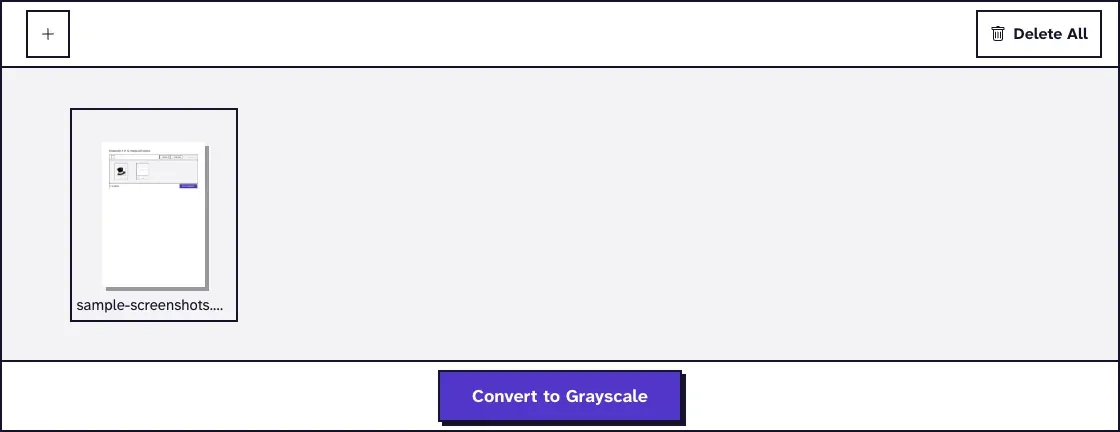
We ran a colored puzzle-style page we generated through it in November 2026, and checked it with Ghostscript's ink estimate (not a printer), which counts the cyan, magenta, yellow and black ink our post on CMYK vs RGB explains. Color ink went from about 44% to 0, while black rose from about 1% to 19%, so on that page you swap color for black and use less overall. The shapes stayed vector with no images.
Pick grayscale or black-only printing in the print dialog as well. Look over the gray copy first: objects that stood out because of color can blend in, which makes the puzzle harder.
How to Pull One Puzzle Out of a Big Packet
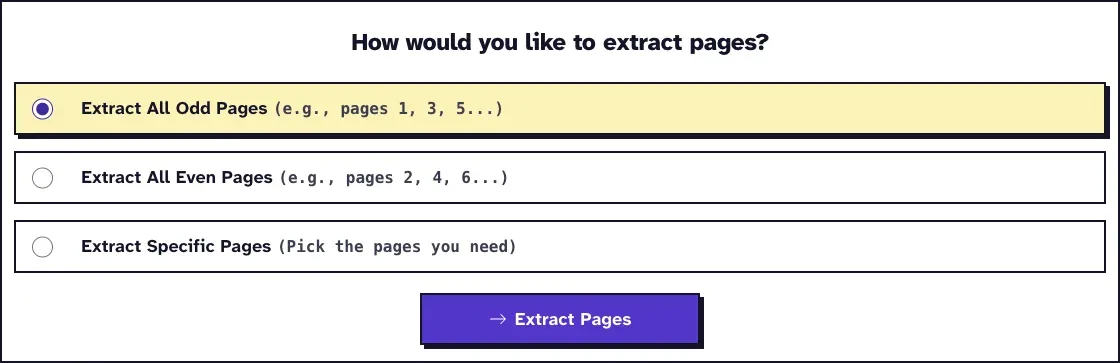
Downloaded a 100-page workbook and only need the holiday puzzle? Extract PDF Pages saves just the pages you pick as a new PDF, and your original stays as it was.
Going the other way, Merge PDF joins several seasonal packets into one workbook for a road trip. If the combined file gets too big to email, Compress PDF can shrink it, though it's worth checking that the fine lines survive.
Handing out your own puzzles as a free download? Our guide to adding a PDF to a GoHighLevel site shows how to offer one from a landing page. And for older students who need reading material as well, we've rounded up where to find free PDF textbooks.
Frequently Asked Questions about Hidden Pictures Printable Puzzles
Why do my printed hidden pictures look blurry?
The source is probably a low-resolution image inside the PDF, so printing bigger makes it worse. Print at Actual Size, use a higher quality setting, and if it's still blurry, look for a better copy of the file.
Can I print hidden pictures in black and white?
Yes. Choose grayscale in the print dialog, or convert the file first with Grayscale PDF so everyone who prints it gets the gray version.
Can I make my own hidden pictures PDF?
Yes, if you've drawn the puzzle yourself or have the right to use the drawing. Scan or photograph it, then turn the image into a PDF with an image to PDF converter.
What age are hidden picture puzzles for?
There's no fixed age. Puzzles with big objects and few details suit younger children, and denser scenes with many small objects suit older kids and adults.