
Fillable PDF: What It Is, How to Spot One and How to Fill It In for Free
A form you can type into instead of printing. Here's how to tell whether yours really has fields, and what to do if it doesn't.

A fillable PDF is a PDF with interactive form fields, like text boxes, checkboxes and dropdowns, that you can type into or click without printing anything. The rest of the page stays as the creator laid it out, so your answers land where they should.
You'll also hear it called an interactive PDF or a PDF form. Most fillable PDFs use a format called AcroForms, which nearly every PDF reader can display.
Fillable PDF vs Flat PDF vs Word Document
The difference shows up when you try to type. A flat PDF is built for reading, such as a report or a class handout like the short story "Everyday Use" as a PDF, and has nowhere to put an answer.
| Feature | Flat PDF | Fillable PDF | Word document |
|---|---|---|---|
| Entering data | Needs a tool that places text over the page | Click a field and type | Type anywhere |
| Layout | Stays put | Stays put, apart from the fields | Can shift between computers and if you hit Enter too often |
| Best for | Final reports, reading material, portfolios | Applications, tax forms, intake sheets | Drafts and shared writing |
A fillable PDF isn't a security feature, by the way. Anyone with a PDF editor can change the page, and the answers stay editable until someone flattens the form.
How to Spot a Fillable PDF
Open the file in a browser or PDF reader and try these:
- Click where an answer should go. A text cursor means there's a field.
- Look for shaded boxes. Many readers tint fields light blue, though not all do.
- Click a checkbox or dropdown arrow. If it responds, it's a real control.
- Press Tab. In most readers, it jumps from field to field.
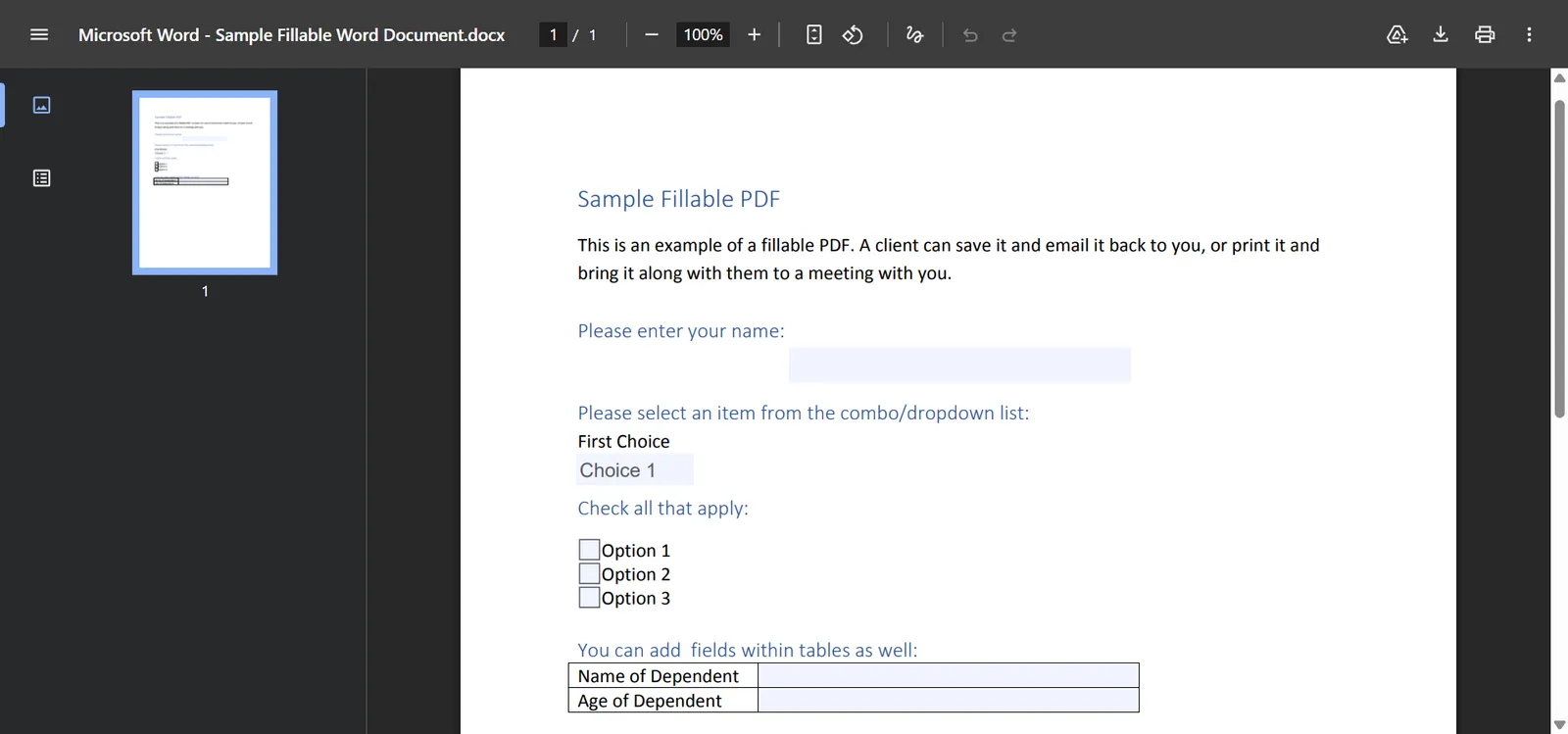
If nothing happens, you've probably got a scan, or a form that was printed to PDF and lost its fields. Our guide to PDF form fields that won't respond goes through each cause.
How to Fill In a Fillable PDF Online
Any modern browser can fill basic forms. Our Fill Out PDF Form tool is handy when a viewer won't save your answers, or when you'd like every field listed in one place.
- Upload the PDF (up to 25 MB) and click Fill Form.
- Type in the text fields, tick the checkboxes, and pick from the dropdowns, radio buttons and lists.
- Click Fill & Download, then click Download.
- Open the filled PDF and check every answer before you send it.
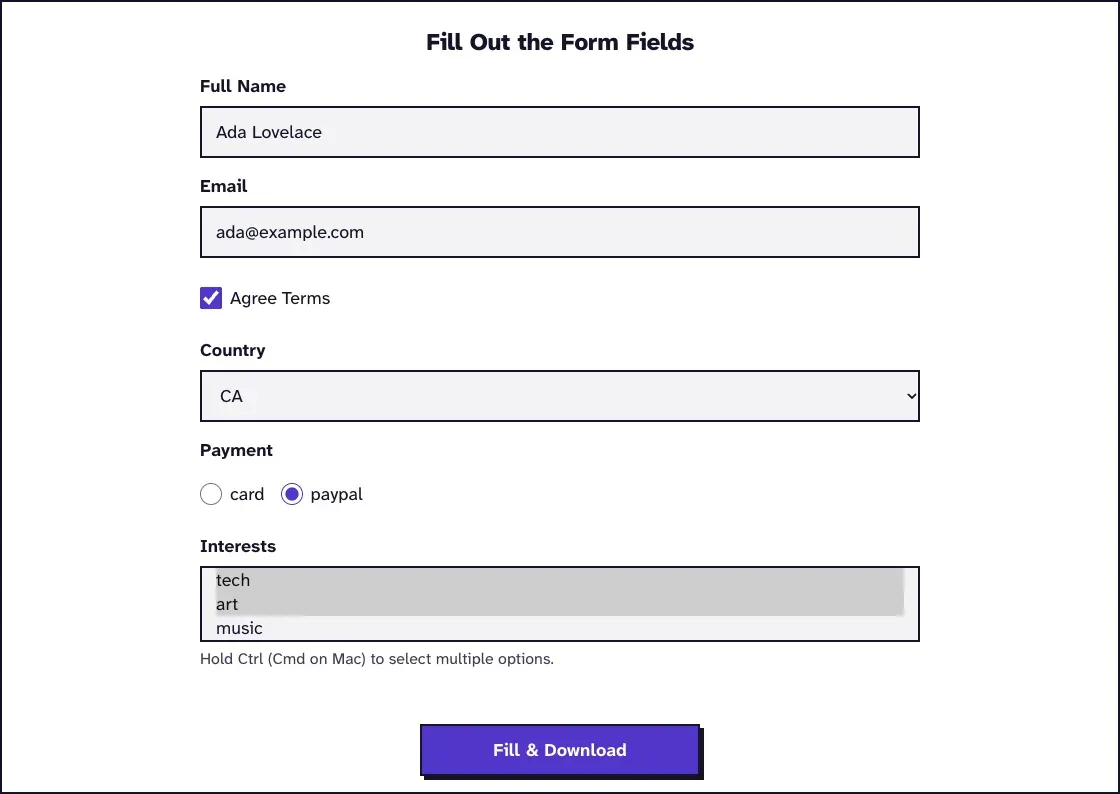
We filled our 7.1 KB test form this way in November 2026, in Chrome on a Mac, with a name, an email address, a ticked box, a dropdown, a radio button and two list options. The download was 14.6 KB, and its fields stayed interactive.
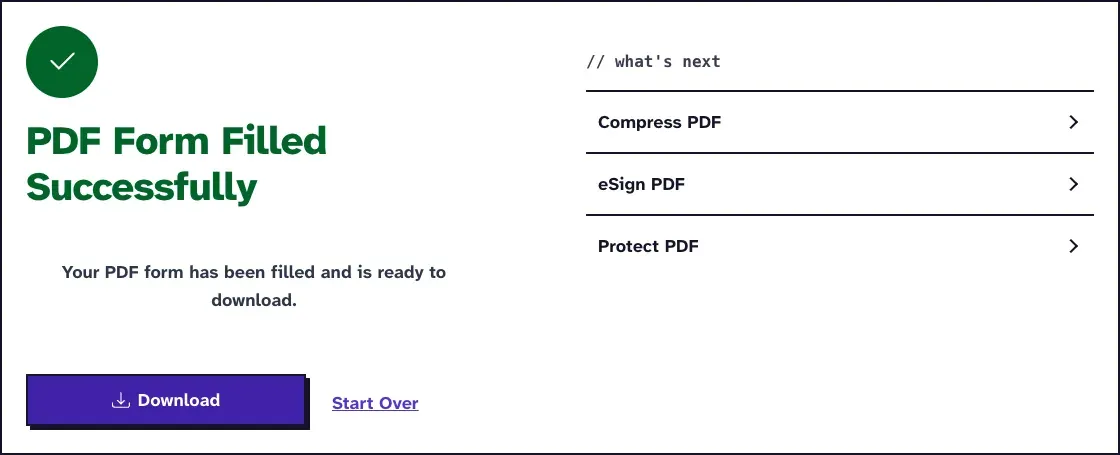
Files get deleted from our server within two hours. For other readers, phones and forms without fields, see our guide to filling out a PDF form in any reader.
Will the Person You Send It to See Your Answers?
In our test, yes: every answer showed in all three PDF engines we tried, because Fill Out PDF Form draws each answer into the saved file. We rendered that filled test form with Poppler, MuPDF and Ghostscript and read the pages: the name, the email, the tick, the dropdown value, the radio button and both list options were there each time.
The saved file has no NeedAppearances flag, which would ask the viewer to redraw the fields. We didn't open it in Adobe Reader or on a phone, so open your saved copy before you send it, and flatten it if the answers must look the same everywhere.
Why Some Fillable PDFs Won't Fill
Some forms use XFA, an older Adobe format that isn't compatible with AcroForms and was deprecated in PDF 2.0. Our tool can't fill a form built only with XFA, and many viewers show a "please wait" page or no fields at all, so ask the sender for another version.
Our tool skips signature fields and push buttons.
What to Do After You've Filled It In
Filling leaves the answers editable, for you and for whoever gets the file. A few things can come next:
- Lock the answers: run the filled copy through Flatten PDF, which turns them into ordinary page content. Keep the editable copy in case you need a change.
- Sign it: add a visible signature with eSign PDF. It's a picture on the page, with no certificate behind it.
- Fill many copies: PDF Auto Fill takes the values from a JSON or CSV record, so you skip the typing.
Need to make a form rather than fill one? Our tools fill forms but don't add new fields, and our Word to PDF writes a flat page: a DOCX with text, checkbox and dropdown controls gave 0 fields in November 2026.
Desktop LibreOffice is the free route. Its export dialog (File, Export As, Export as PDF) has a Create PDF form option. With that option set from the command line, LibreOffice 25.2 on Linux turned the same DOCX into a PDF with all 3 fields, and Fill Out PDF Form filled them.
Frequently Asked Questions about Fillable PDF
How can I tell if a PDF is fillable?
Click where an answer should go. If you get a text cursor, or a box ticks when you click it, the PDF has fields. If nothing responds, it's flat or a scan.
Can I turn a flat PDF into a fillable PDF?
Yes, but you'll need a PDF editor that adds form fields, as our tools don't. If you only need to type on it once, adding text over the page is quicker, as our guide on how to add text to a PDF shows.
Do I need Adobe Acrobat to fill out a fillable PDF?
No. Browsers and most PDF readers fill standard forms, and so does our Fill Out PDF Form tool.
Why did my answers disappear when I sent the form?
Check the copy you saved, not the tab you typed in. Open it again in another viewer, or flatten the form so the answers become part of the page. Files from our Fill Out PDF Form showed every answer in the three PDF engines we tried.
Is a fillable PDF safe to send with personal information?
The form itself offers no protection, and anyone who opens the file can read your answers. If it holds anything sensitive, put a password on it with Protect PDF before you send it.