
Why Can't I Copy Text From a PDF? Causes and Fixes
It may be a scan with no text in it, a file that blocks copying, or fonts that don't map their letters. Here's how to tell which, and how to get the text out.

If you can't copy text from a PDF, there are three reasons to check in the file: it's a scan with no real text in it, its permissions block copying, or its fonts don't say which letters they draw. Each one has a different fix, so it's worth finding out which you've got first.
A short test tells you, and it's the first section below.
How to Tell Why a PDF Won't Let You Copy
- Download the file and open it in a PDF reader, not a preview on a website.
- Try to select a single word with your cursor.
- If you can only draw a box around the whole page, or nothing gets selected, it's a scan or a picture of text.
- If you can select words but Copy is grayed out, or nothing arrives when you paste, the file restricts copying.
- If text pastes as boxes, symbols or nonsense, the fonts are the problem.
- Zoom in a long way. Letters that turn blocky and pixelated confirm a scan.
Chrome can fool step 3. Its help page says scanned PDFs are "automatically converted to be searchable and selectable", so a scan can select fine there with no text in the file. To check, search for a word in our PDF Viewer: in Chrome 156 on a Mac in November 2026, our test scan said "No matches" and its OCR copy said "Match 1 of 1".
Scanned PDFs: Make the Text Copyable With OCR
A scan stores each page as a picture. Your PDF reader shows you letters, but the file holds pixels, so there's nothing to copy.
OCR (optical character recognition) reads the letters in the picture and adds a hidden text layer. Upload the file to OCR PDF, click Run OCR and download the result, and you can select and copy the words.
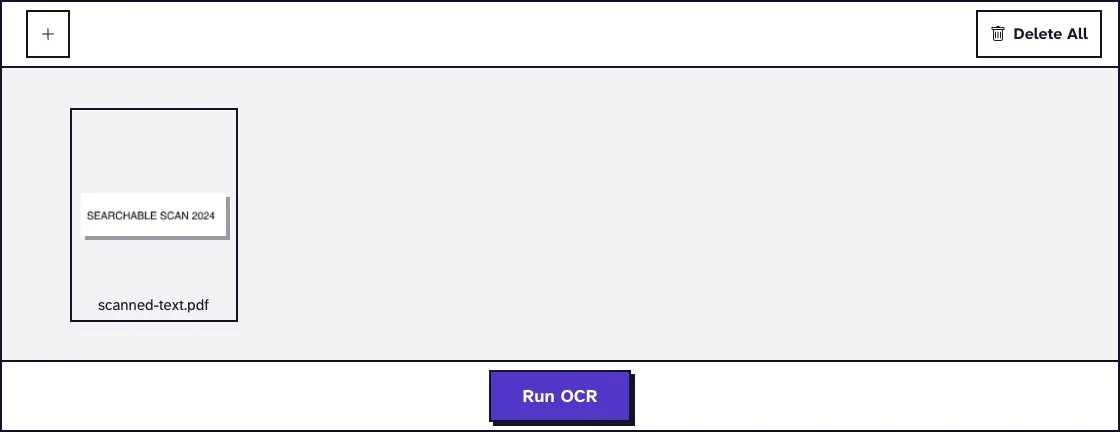
We ran a one-page 16.0 KB scan through OCR PDF and got back an 18.2 KB PDF with the text added. It reads English only, and our guide to OCR in more than one language covers running Tesseract on your own computer.
For other languages, Google Drive can do it: right-click the PDF in Drive and choose Open with, then Google Docs. Google's help page says the file should be 2 MB or smaller. More options are in our guide to extracting text from a scanned PDF for free.
Copy-Protected PDFs: Permissions That Block Copying
A PDF can carry an owner password that lists things the reader app should block, such as printing, editing or copying. The file still opens without a password, but Copy is switched off. If printing is blocked too, our guide to fixing a PDF that won't print covers that restriction.
If you know the owner password, upload the file to Unlock PDF, type it into both fields and download the copy. That copy has no encryption, so copying works again.
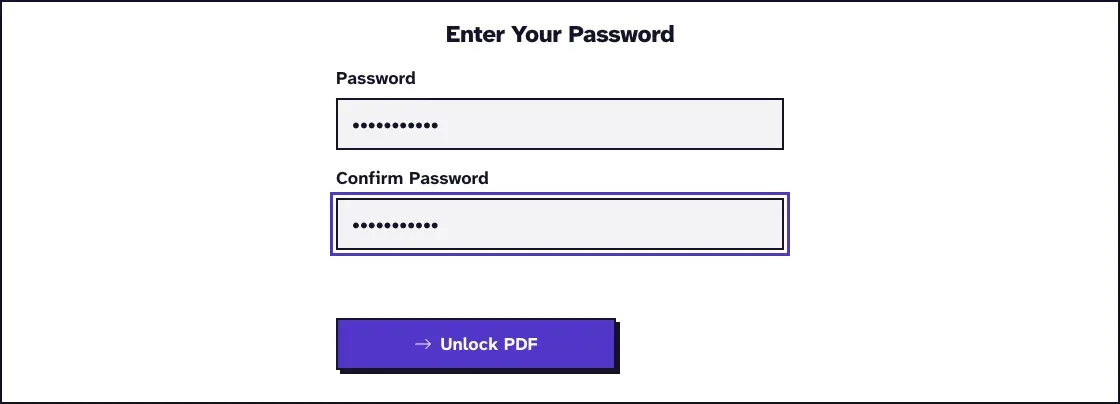
Unlock PDF doesn't guess or crack passwords. If you don't have the owner password, ask whoever made the file for a copy without the restriction. Only remove restrictions from files you own or are allowed to change.
Flattening a form doesn't block copying either. When we tested flattening a PDF online, the typed values and the page text could still be selected.
Text That Copies as Symbols or Gibberish
Some PDFs use fonts that draw the right shapes on screen but don't record which letter each shape stands for. The page looks fine, yet copying gives you boxes, odd symbols or letters in the wrong order.
OCR PDF handles this too. When a page's text comes out as control codes, it rebuilds that page from a 300 dpi picture with new text from Tesseract, so the broken font is gone from it.
We built a test page with a font that doesn't map its letters: pdftotext got 0 of its 45 words, and on 10 November 2026 the OCR copy had all 45. That's one clean generated page in English, so check yours against the original.
Copying Lots of Text at Once
Even when copying works, pasting a long PDF tends to give broken lines and missing spaces. Export the text instead.
PDF to TXT puts every page's text into a plain text file. It doesn't run OCR, so on a scan it stops and points you to OCR PDF first.
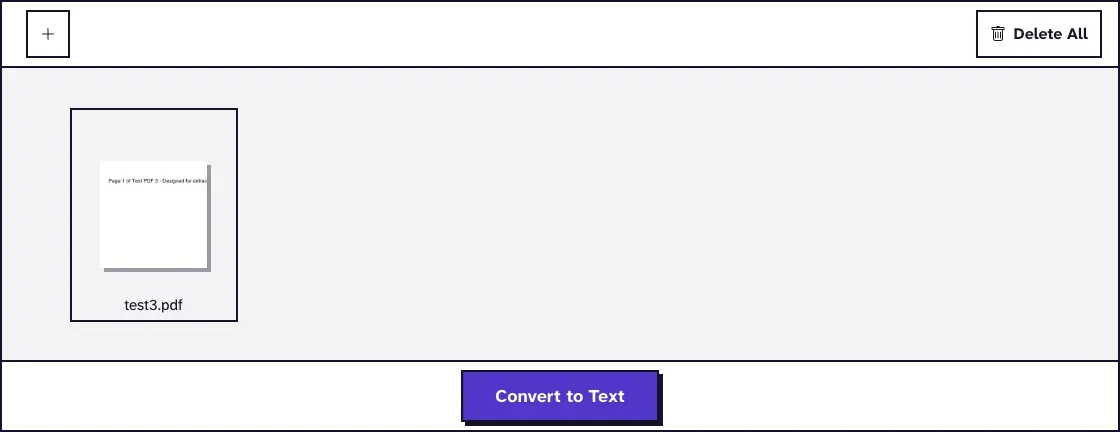
We converted our five-page 2.0 KB test file with it on 10 November 2026 and got a 219 B text file. If you need the formatting too, PDF to Word gives you an editable document.
When the PDF Is Damaged
A file that shows errors, blank pages or won't select anything at all may be corrupted. Repair PDF rebuilds what it can into a clean new file, and you can try copying from that. If the name ends in .crdownload, the download never finished, and our guide to CRDOWNLOAD files shows how to finish it or rescue what arrived.
Frequently Asked Questions about Can't Copy Text From PDF
Why can I see the text but not copy it?
The page may be a scanned picture of text. Run OCR on it, and the words become selectable.
Is it legal to remove copy protection from a PDF?
It depends on the file and where you are. Only remove restrictions from documents you own or have permission to change.
Why does copied PDF text paste with broken lines?
PDFs place text line by line on the page, so a paste keeps those line breaks. Exporting with PDF to TXT or PDF to Word gives you cleaner text to work with.
Does PDF to TXT work on scanned PDFs?
No, it reads text that's already in the file. Run the scan through OCR PDF first, then convert it.