
How to Make a PDF Editable: Text PDFs, Scans, Locked Files and Word Conversion
The fix depends on why you can't edit it: a scan, a password or just the wrong app. A ten-second test tells you which, and the steps for each are below.

To make a PDF editable, first find out what's blocking you. A normal PDF only needs an editor like Edit PDF, a scan needs OCR because its pages are pictures, and a locked file needs its password.
PDFs aren't made for easy changes, which is why there's no single switch for this. Run the test below, and you'll know which section you need.
Test: What Kind of PDF Do You Have?
- Open the PDF in any viewer or your browser.
- Try to drag across one sentence to select it.
- Compare the result with this table.
| What happens | What you have | What to do |
|---|---|---|
| The words highlight | A text PDF | Edit it directly, or convert it to Word |
| The whole page highlights, or nothing does | A scan or image PDF | White-out and new text, or OCR and Word |
| It asks for a password to open | An encrypted PDF | Enter the password, then remove it |
| It opens, but editing is grayed out | A PDF with permission limits | Remove the limits if you're allowed to |
| You can type in boxes | A form with fields | Fill in the form |
How to Edit a Text PDF Directly
For small changes, you don't have to convert anything. Edit PDF changes the words that are already on the page.
- Open Edit PDF, click Choose Files and pick your file.
- With Edit text selected, click a line and type the new words, then press Enter.
- To add something new, pick Add text, Image, Highlight or another tool and click on the page.
- Click Save PDF and download the result.
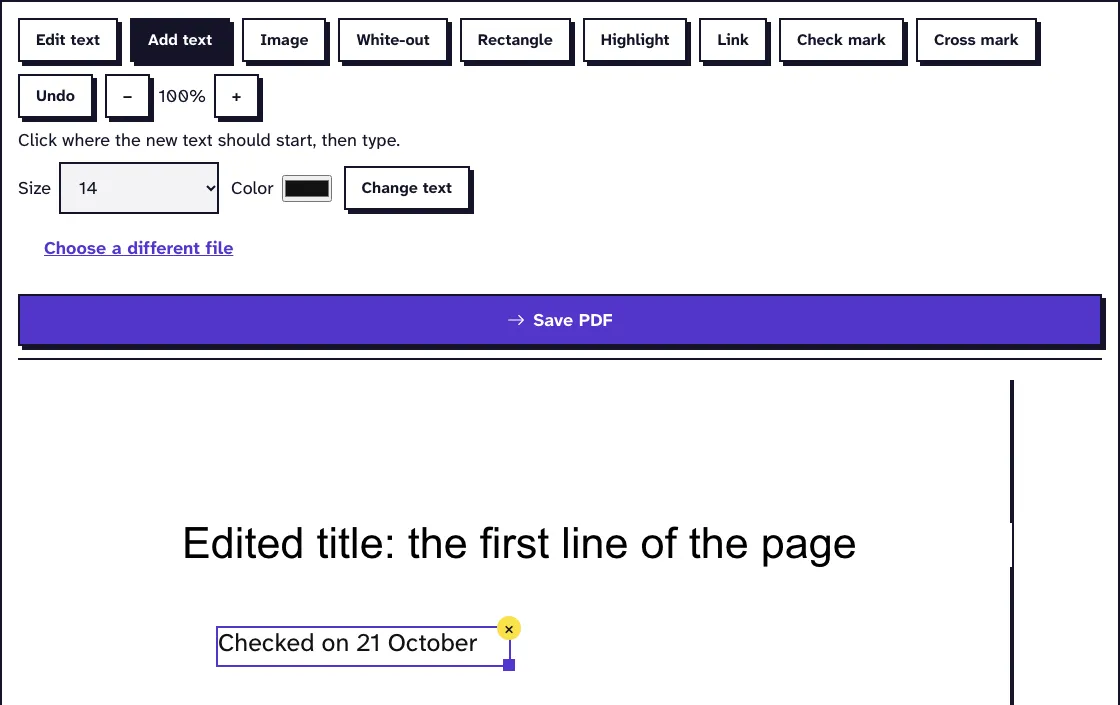
We changed a line in a 12-page, 3.2 MB file in November 2026, and it came back at 3.2 MB with 12 pages. It's free, needs no account and adds no watermark.
Know its limits, though. A longer line doesn't wrap onto the next one, and the next line doesn't move, so keep your new words about as long as the old ones. Changed text goes in with one of our bundled fonts, in the same size and color.
For more on this, see our guide on how to edit PDF text.
How to Make a PDF Editable in Word
For rewriting whole paragraphs, Word is the better place. There are two ways to get the file there.
PDF to Word makes a DOCX from a PDF of up to 25 MB, with no options to set. It's for text: photos, logos and scanned signatures don't carry over, so check for those afterwards.
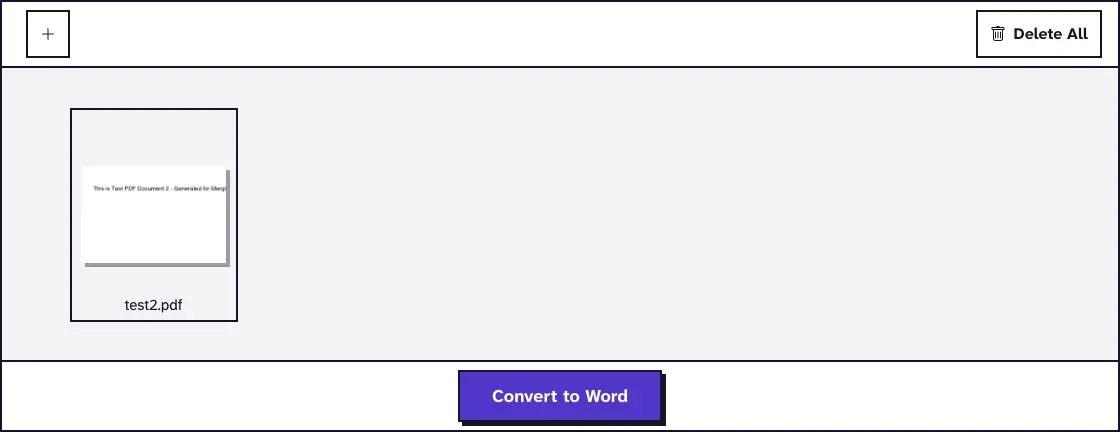
Word can also open a PDF itself. Choose File, then Open, and Word converts it.
Microsoft says files that are mostly text convert best. Pages that are mostly charts can turn into a single image with text you can't edit, and tables with cell spacing, footnotes that span pages and PDF bookmarks are among the things that don't convert well. When you're finished, save as PDF again, or use Word to PDF if you don't have Word.
How to Make a Scanned PDF Editable
A scan has no text in it, only a picture of the page. You have two options, depending on how much you need to change.
For a small fix, keep it simple. In Edit PDF, cover the mistake with White-out and type the correction with Add text. White-out only hides what's under it, so don't use it for anything confidential.
For a real rewrite, you have to get the text out:
- Run the scan through OCR PDF. It reads English only.
- Check that you can now select the text.
- Convert the OCR result with PDF to Word.
- Proofread it against the original and edit in Word.
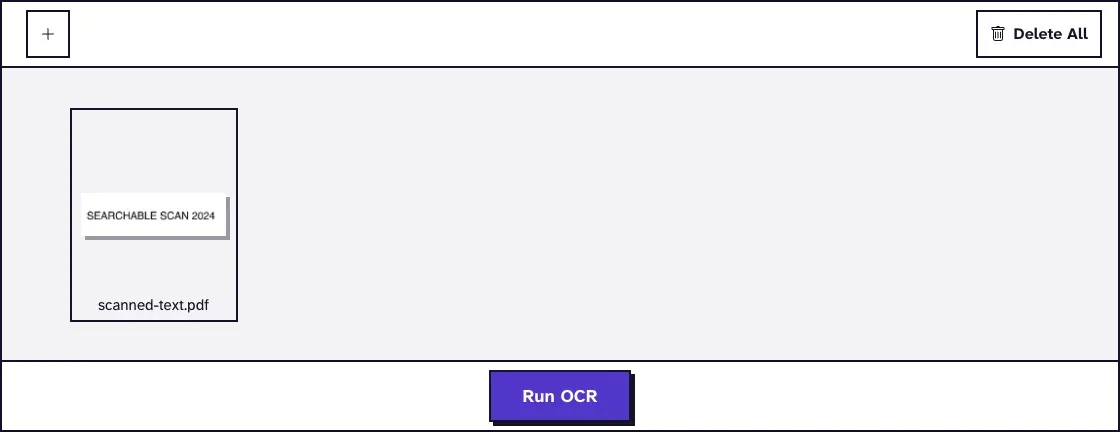
Optical character recognition on its own doesn't make the page editable. Our tool lays the recognized text over the page picture as an invisible layer, so you can search and copy it, but the page still looks like the same picture.
We ran these steps in November 2026, in Chrome on a Mac, on one generated page of 256 words. From a 300 dpi scan, the DOCX held all 256 words; from a 150 dpi scan, 253 were right. Both arrived as one paragraph with a line break at the end of each line, so join the lines before you rewrite.
A clean page is the easy case, so proofread anything real, and don't expect a tilted page to do as well. OCR PDF keeps the page images, so the file only grows a little: on 10 November 2026 two 431 KB scan pages came back at 434 KB each. PDF to Word takes 25 MB, so split a long scan first with Extract PDF Pages.
Word can do the job alone too. Microsoft's scan steps are File, then Open on the scanned PDF, then confirm the import. It says the accuracy depends on the scan and to always proofread, and we didn't run that one.
How to Edit a Locked or Password-Protected PDF
Two different locks get mixed up here. An open password stops the file opening at all. A permissions password lets it open but blocks editing or printing.
If you know the password, Unlock PDF gives you a copy without it. It doesn't guess or crack anything, so if you've lost the password, ask the person who sent the file for an open copy. Only remove a lock from a file you have the right to change.
Our guide on how to edit a secured PDF goes through both cases.
How to Edit a PDF Form
A form with real fields doesn't need an editor. Fill Out PDF Form types your values into the fields.
A flat form that looks like a form but has no fields takes text placed by hand, so use Add text in Edit PDF. And if someone's flattened a form you need to change, our guide to unflattening PDFs explains what can still be done.
Common Problems When You Try to Edit a PDF
- The new text looks a little different: you got one of our bundled fonts. Compare the changed line with the line above before you send the file.
- The Word file has no pictures: PDF to Word leaves them out. Copy them across, or take them from the PDF with Extract Images.
- PDF to Word stops and says no readable text was found: the PDF was a scan. Run OCR PDF first.
- A deleted line is still readable: you used White-out. For a name or number that has to go, use Redact PDF.
- You're afraid of breaking the file: every tool here gives you a new file, and you can make a copy of the PDF first if you want a spare.
Frequently Asked Questions about How to Make a PDF Editable
Can I make a PDF editable for free?
Yes. Edit PDF, OCR PDF and PDF to Word are free, need no account and add no watermark. Files are deleted within two hours.
Why can't I edit my PDF even though I can read it?
It's probably a scan, so there's no text to change, or it has permission limits. The select test above tells you which.
Does OCR make a scanned PDF editable?
Not by itself. It makes the text searchable and copyable. To change the words, convert the OCR result to Word.
Will editing change my PDF's layout?
Editing a line in Edit PDF leaves the rest of the page alone. Converting to Word can shift the layout, especially with tables and columns.