
XML to PDF: How to Turn an XML File Into a Readable PDF
Chrome already does most of the work. Here's how to print XML to PDF, keep long lines on the page, and when you need a proper stylesheet instead.

The quickest way to convert XML to PDF is to open the .xml file in Chrome and save it with Print, then Save as PDF. The PDF shows the file's tags and values as an indented tree, and the file never leaves your computer.
That's a readable copy of the data, not a designed document. If you need a formatted invoice or report, the XML needs a stylesheet, which is covered further down.

What an XML File Is
XML (Extensible Markup Language) is a text format that stores data between named tags, like <total>49.90</total>. Programs use it to exchange invoices, bank statements, configuration and database exports. Quicken bank downloads (.qfx) are tagged text too, and our QFX to PDF guide covers those.
It says what the data is but not how it should look. A PDF is the opposite: fixed pages that look the same on every screen and printer. Converting means deciding how the data should appear on paper.
How to Convert XML to PDF in Your Browser
We ran this in Chrome on a Mac, and Google's page on printing from Chrome gives the Windows shortcut too.
- Right-click the XML file, choose Open with and pick Chrome. You can also drag the file into a Chrome window.
- Press Ctrl+P on Windows or Cmd+P on a Mac.
- Choose Save as PDF as the destination.
- Click Save and pick a folder.
Chrome shows a note at the top, "This XML file does not appear to have any style information associated with it", followed by the tree. That note ends up in the PDF too, which is harmless.
Getting the XML as Plain Text Instead
If you want the raw file exactly as written, line for line, convert it as plain text. Rename a copy from .xml to .txt and upload it to TXT to PDF.
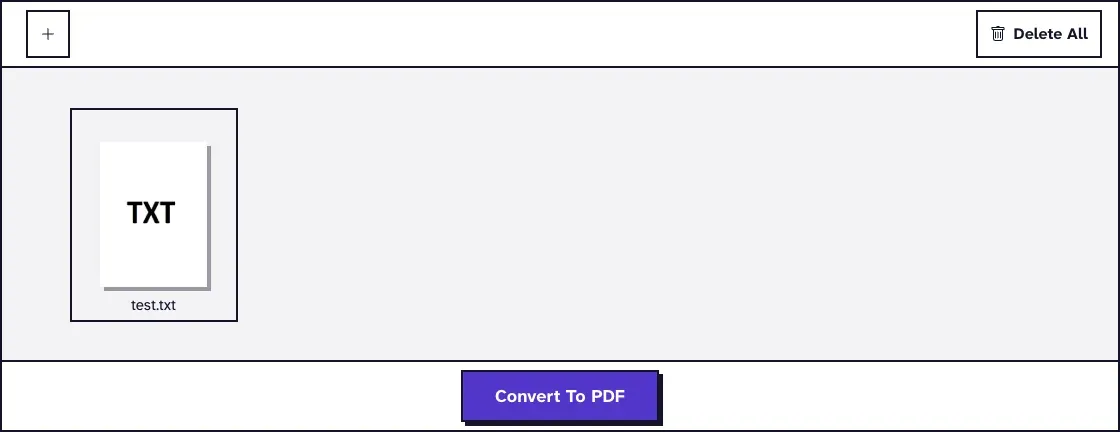
Every line of the file starts a new line in the PDF, and lines longer than 80 characters wrap at the margin, so nothing gets cut off. Save the file as UTF-8 if it contains accented letters. We converted a 42 B test file with it in October 2026 and got a one-page, 14.0 KB PDF.
XML With a Stylesheet: Making a Formatted PDF
Many XML files are meant to be shown through a stylesheet (XSLT) that turns the data into a web page. Opened from disk, Chrome already gives a blank page, and from Chrome 158 it stops applying XSLT at all. So run the transformation yourself and turn the result into a PDF.
Will a Styled XML File Still Show Its Layout in Chrome?
Not with an XSLT stylesheet from Chrome 158 on. Google's deprecation notice says XSLT stops working on Chrome's stable release in that version, dated November 17, 2026, with an origin trial and enterprise policy for some sites and companies running until Chrome 176. It also says Firefox and WebKit plan to remove XSLT, while an XML file with a CSS stylesheet stays supported.
We opened test files in Chrome 156, before the change, in November 2026. An XSLT file from a local web server still rendered, with a removal notice that ended up in the printed PDF too, and from disk it gave a blank page. A CSS-styled file rendered both ways.
Turn XSLT Output Into a PDF
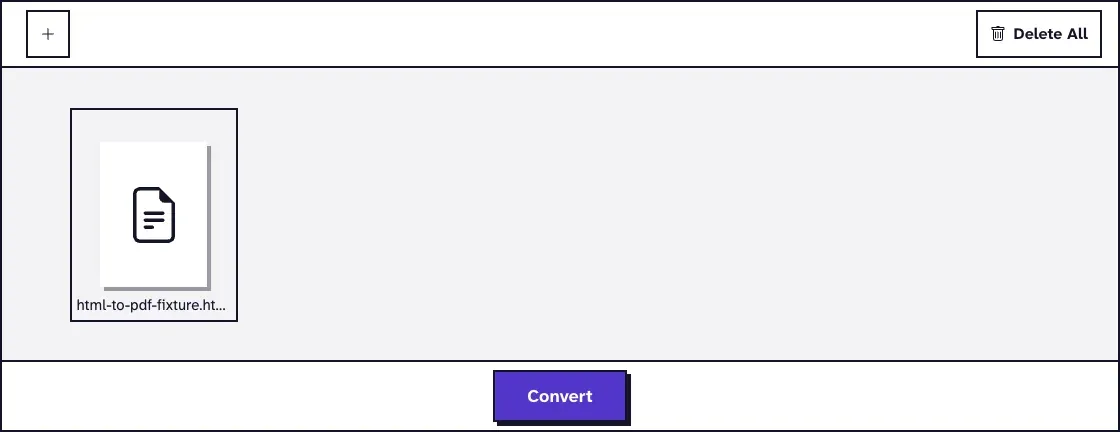
Run the stylesheet with xsltproc, a command line tool from the libxslt project, and save the result as an HTML file: xsltproc invoice.xsl invoice.xml > invoice.html. The Mac we ran it on already had it, while on Windows you'd need to install libxslt first. Our test invoice came out as a heading and a total, both intact in the PDF.
Then upload that HTML file to HTML to PDF, which renders it in a real browser engine and makes A4 pages with selectable text and working links. Our AsciiDoc to PDF guide uses the same two steps for .adoc manuals.
E-Invoices in XML
An XRechnung e-invoice is an XML file, as the standard's publisher says. Printing one from Chrome gives you the tags, which a bookkeeper can read but a customer won't enjoy. If you make your invoices yourself, our PDF invoice template guide lists what to put on them.
To get a normal invoice layout, open the file in a viewer or accounting program that knows that invoice standard and print or export it from there. For a signed .xml.p7m file, our P7M to PDF guide shows how to get the XML out first.
After You Have the PDF
- Combine the export with other documents using Merge PDF.
- Long exports can run to many pages, so shrink them with Compress PDF before emailing.
- If the data is confidential, add a password with Protect PDF.
- Need the data in a spreadsheet instead? Microsoft's page on importing XML says Excel opens it with File, then Open. Save it from there as CSV, and our guide to converting CSV to PDF turns it into a printable table.
Frequently Asked Questions about XML to PDF
What's the easiest way to convert XML to PDF?
Open the XML file in Chrome and print it to PDF. It's free and doesn't upload the file anywhere.
Why does my PDF show tags instead of a nice layout?
XML has no layout of its own. Without a stylesheet the browser shows the raw tree, and the PDF records exactly that. From Chrome 158, an XSLT stylesheet won't be applied either.
Does converting XML to PDF change the data?
No. The PDF is a printed copy of what the browser shows, and the original XML file stays exactly as it was.