AI Rewrite & Rephrase PDF Text — Instant PDF Editor
A guide to rewrite, rephrase, improve any text inside a PDF using AI.

The contract clause sounds too aggressive. The report needs a more formal tone. The article runs 500 words over the limit. The executive summary isn't concise enough.
Editing PDF text used to mean recreating documents from scratch — convert to Word, edit there, convert back. Hours of work for minor changes.
AI-powered PDF text rewriting changes this. Select text directly in the PDF, choose your rewriting style, and the AI rewrites while preserving formatting. What took hours now takes minutes.
Actual example: A grant writer submitted a 30-page funding proposal and received reviewer feedback: "the executive summary is too informal for this foundation's standards." Instead of reprinting the entire document, she used AI text rewriting on the executive summary alone — changing the tone from conversational to formal in 3 minutes. The revised summary passed review, and the proposal moved forward.
This guide covers what AI text rewriting is, how it works, and how to use it effectively for any PDF editing need.
How AI Understands and Rewrites PDF Text
AI text rewriting uses large language models trained on vast text corpora. When you select text in a PDF, the system first extracts your selected content so the AI can read it. Then it analyzes context to understand the meaning and purpose of the passage. Style matching applies your chosen rewriting style — formal, casual, brief, or whatever you've selected. Generation produces multiple rewriting options for you to choose from. Finally, format preservation slots the rewritten text back into the PDF structure while keeping headings as headings, lists as lists, and tables as tables.
Unlike converting to Word and back, direct PDF rewriting preserves font choices and sizes, heading hierarchy, list structures and numbering, image positioning, table formatting, and page layout. The only thing that changes is the text content itself.
This approach works across many document types: legal contracts and agreements, business reports and proposals, academic papers and essays, marketing articles and blogs, technical documentation, and press releases and announcements.
Why Rewrite Text in a PDF?
Fix Awkward or Unprofessional Language
Original drafts often contain run-on sentences, unclear phrasing, overuse of passive voice, inconsistent terminology, and awkward transitions between ideas. AI rewriting cleans these up while maintaining the original meaning.
Change Tone
Tone adjustments let you shift the same content for different contexts. Professional, authoritative tone works for formal business and legal documents. Conversational, friendly tone works for marketing content and internal communications. Brief tone provides a concise summary using fewer words. Expanded tone adds more depth and explanation for detailed contexts. The same underlying content adapts to each audience.
Meet Word Count Requirements
Length adjustments let you shorten for character limits, expand for minimum requirements, condense executive summaries, and elaborate brief points. AI rewrites while preserving the key meaning.
Repurpose Content for Different Audiences
Adapt the same document for different readers: technical documents simplified for general audiences, internal memos reformatted for external use, academic writing turned into blog posts, and legal language translated to plain English.
How to Rewrite PDF Text with AI
Upload your PDF file: Drag and drop into the browser, click to browse files, or upload from cloud storage.
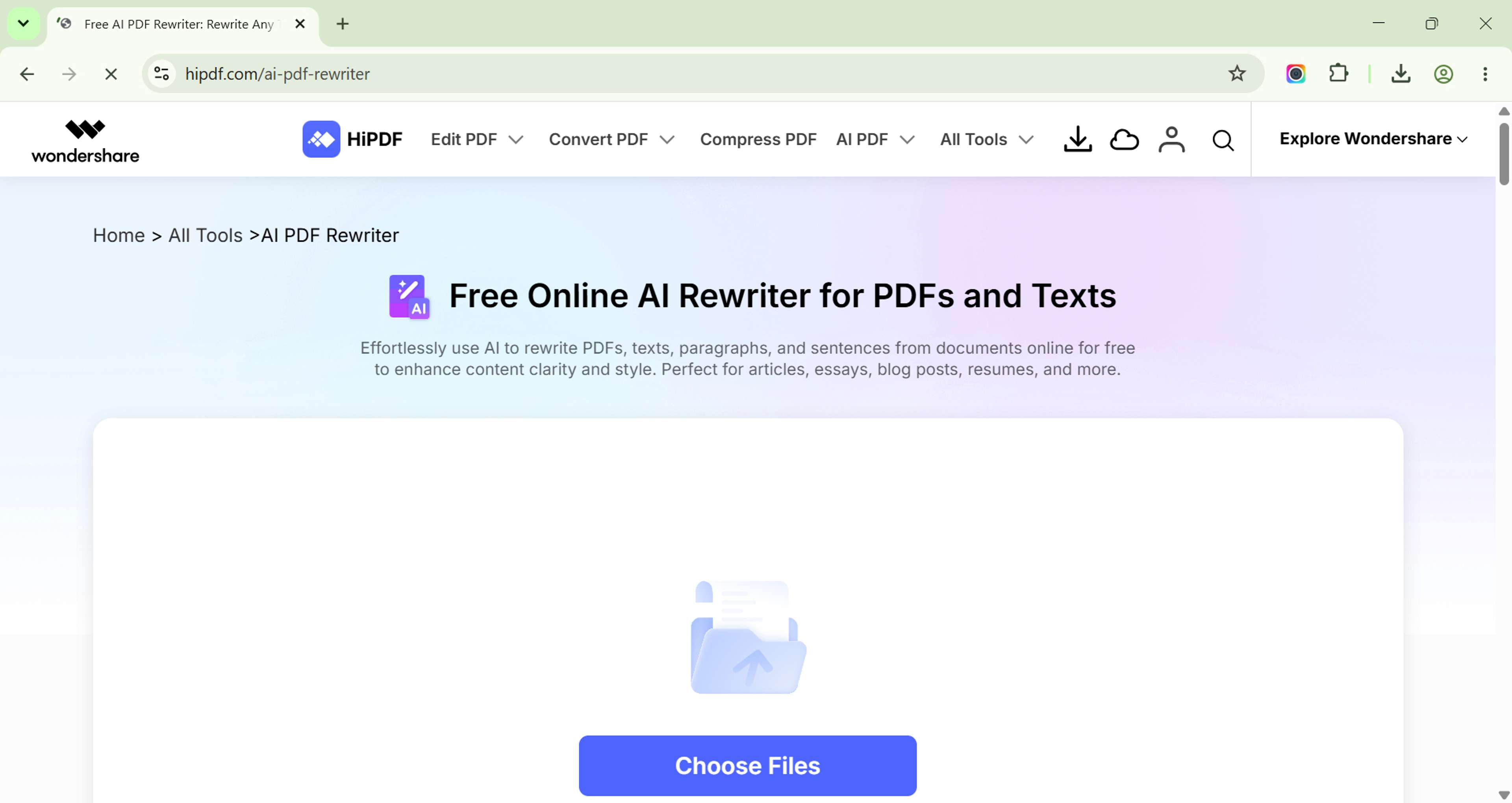
Highlight the text section: Select the text you want to rewrite — a single word or phrase, complete sentences, full paragraphs, or multiple sections that you rewrite separately.
Select your desired outcome style: Available styles include formal for professional, authoritative documents; casual for conversational, approachable content; brief for a concise summary with fewer words; expanded for more detail and additional context; academic for cite-ready, neutral tone; and creative for engaging, storytelling approaches.
Review and Apply: The AI generates rewriting options, and the review process lets you preview the rewritten text, compare it with the original, choose the best option, and apply it if satisfied. Once you're happy with the result, save the document with changes applied.
Rewriting Styles: What Each One Does
| Style | Characteristics | Best For |
|---|---|---|
| Formal | Prefers active voice, precise terminology, no colloquialisms, and structured sentences. | Business proposals, legal documents, academic papers, professional reports. |
| Casual | Uses shorter sentences, allows contractions, includes personal pronouns, maintains a warm tone. | Marketing content, internal communications, blog posts. |
| Brief | Achieves 30-50% length reduction while preserving core meaning, including only key points. | Executive summaries, character-limited contexts. |
| Expanded | Provides 50-100% length increase, adds additional context, elaborates examples, supporting details. | Training materials, educational content. |
Actual-World Use Cases for PDF Text Rewriting
- For repurposing blog posts into whitepapers: Upload the blog post PDF, select the introduction section, apply "expanded" style for depth, rewrite the body in formal tone, add technical details where needed, and download the whitepaper-ready document.
- For shortening legal clauses to plain language: Upload the contract PDF, select the complex clause, apply "brief" style, review for accuracy, and apply to the document.
- For updating old reports with current terminology: Upload the outdated report PDF, select sections to update, apply "formal" style, request modern terminology, and apply changes.
AI vs Human Rewriting: When to Use Each
AI handles tone adjustments, length modifications, style transfers, and generating multiple variations quickly.
Human editing is still key for technical accuracy, legal correctness, brand voice consistency, final approval, and any sensitive content where precision matters most.
The optimal workflow uses AI to generate initial rewrites, then applies human review for accuracy, makes manual adjustments as needed, and culminates with final approval. If you are submitting academic or highly scrutinized work, you can also run your draft through an AI content detector to ensure the text remains authentically yours.
Related Tools
- Edit PDF Text — Direct text editing