How to Extract Invoice Data from PDF to CSV or Excel Automatically
Step-by-step guide to automated invoice extraction from PDF to CSV or Excel.

The Invoice Bottleneck Nobody Talks About
Your team receives 50 invoices a week. Someone opens each PDF. They hunt for the vendor name and invoice number. They type the amounts into a spreadsheet by hand. This takes three minutes per invoice. Over a year, that is 130 hours of tedious work. Mistakes are common. The data is messy.
Automated invoice extraction solves this. It pulls the vendor name and invoice number from your PDF files. It grabs the date and line items. It drops everything into a clean CSV or Excel file. No typing. No errors.
This guide shows you exactly how to build that workflow.
What Is Automated Invoice Extraction?
It is the process of reading invoice PDFs and converting the information inside them into structured, searchable data. The output is a CSV file or an Excel spreadsheet. Each row represents one invoice.
There are three main approaches. Each one handles a different level of invoice complexity.
1. Text-Based Extraction
Some PDFs contain real text layers. The text is embedded in the file and can be copied directly. This is the easiest case. A simple Python script pulls the text and extracts the fields you need.
2. OCR-Based Extraction
Many invoice PDFs are scanned images. The scanner saved the paper copy as an image inside a PDF. No selectable text exists. OCR (optical character recognition) converts that image back into readable text. After OCR, extraction proceeds as normal.
3. AI-Powered Extraction
Invoices come in hundreds of different layouts. A vendor in Germany formats a date differently than a supplier in Texas. AI models learn to read any layout without predefined templates. AWS Textract handles messy invoices. So do Google Document AI and Azure Form Recognizer.
Which Approach Should You Use?
Start with text-based extraction. If your invoices are digitally generated PDFs, this method is fast and accurate. You only need Python.
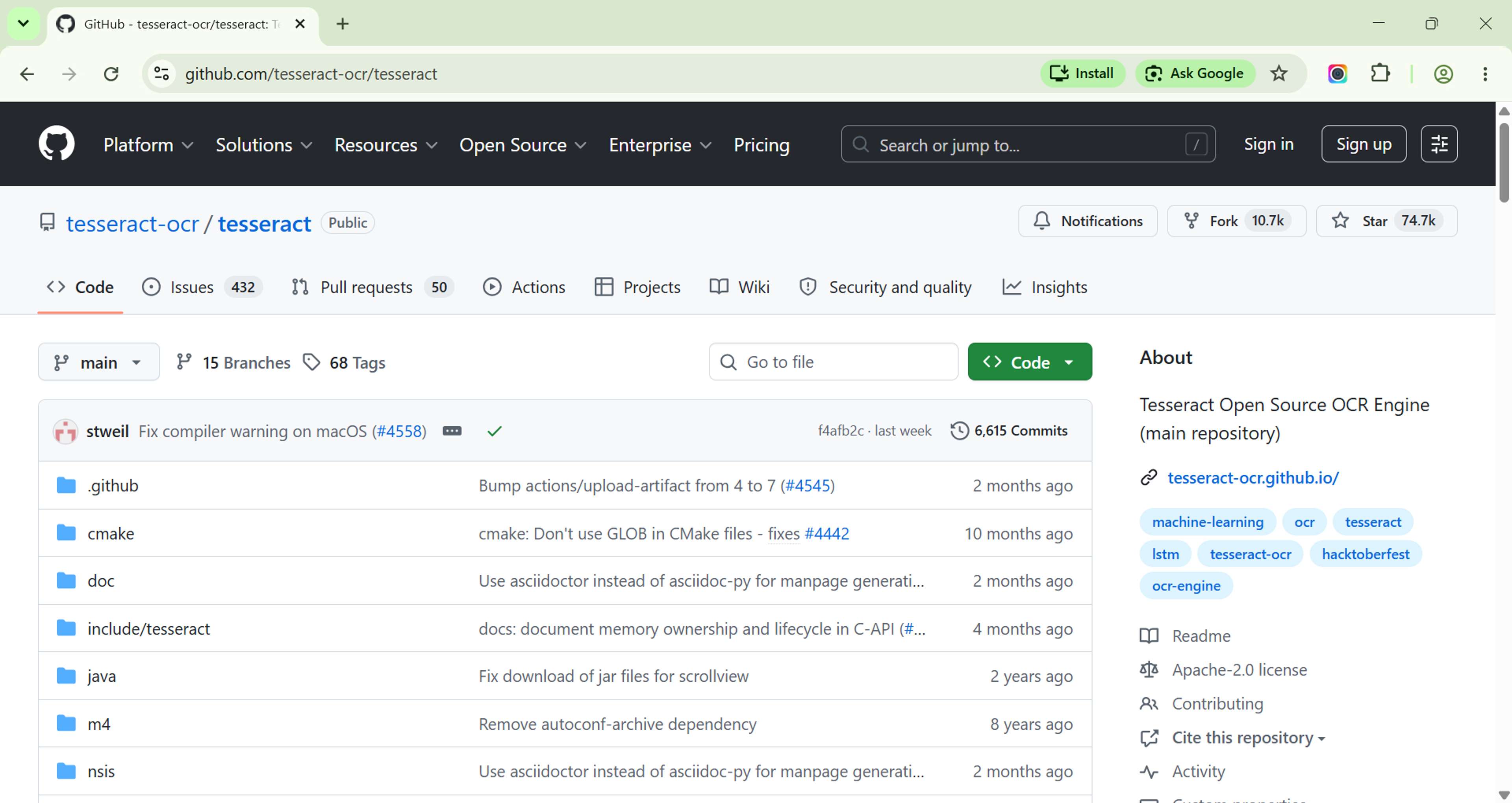
If your invoices are scanned paper copies, add OCR into the pipeline. Tesseract is a free, open-source OCR engine. It runs locally and handles most business invoices acceptably.
If you deal with dozens of vendor formats that change constantly, switch to an AI service. The accuracy jump is significant. AWS Textract reaches over 95% field accuracy on standard invoice layouts.
Python Workflow: PDF to CSV in Five Steps
Here is a working Python workflow you can run today. It uses pdfplumber for text extraction and pandas for CSV output.
Step 1: Install the Libraries
1pip install pdfplumber pandas
2
Step 2: Extract Text from the PDF
1import pdfplumber
2
3def extract_text(pdf_path):
4    with pdfplumber.open(pdf_path) as pdf:
5        text = ""
6        for page in pdf.pages:
7            text += page.extract_text() or ""
8    return text
pdfplumber opens each page of the PDF and pulls any embedded text. Call this function for every invoice file.
Parse the Fields You Need
1import re
2
3def parse_invoice_fields(text):
4    invoice_number = re.search(r"Invoice\s*[:#]\s*(\S+)", text, re.IGNORECASE)
5    date = re.search(r"Date\s*[:#]\s*(\S+)", text, re.IGNORECASE)
6    amount = re.search(r"Total\s*[:#]\s*\$([0-9,]+\.?\d*)", text, re.IGNORECASE)
7
8    return {
9        "invoice_number": invoice_number.group(1) if invoice_number else "",
10        "date": date.group(1) if date else "",
11        "amount": amount.group(1) if amount else ""
12    }
This uses regular expressions to hunt for common invoice fields. The patterns catch variations like "Invoice #INV-0042" and "Date: 04/15/2025."
Tip: Print the raw text of a few of your invoices first. The field names differ between vendors. Adjust your regex patterns to match what you actually see.
Step 4: Pull Tables from the Invoice
1def extract_tables(pdf_path):
2    with pdfplumber.open(pdf_path) as pdf:
3        for page in pdf.pages:
4            tables = page.extract_tables()
5            for table in tables:
6                print(table)
Invoice line items usually live in a table. pdfplumber extracts these as nested lists. Each inner list is one row.
Step 5: Save Everything to CSV
1import pandas as pd
2
3def save_to_csv(records, output_path):
4    df = pd.DataFrame(records)
5    df.to_csv(output_path, index=False)
6    print(f"Saved {len(records)} invoices to {output_path}")
Pass a list of parsed invoice dictionaries to this function. It writes one row per invoice to your CSV file.
5. Python Workflow: PDF to Excel
Excel files give you more flexibility. You can add formulas, multiple sheets, and conditional formatting.
1import pandas as pd
2
3def save_to_excel(records, output_path):
4    df = pd.DataFrame(records)
5
6    # Main data sheet
7    with pd.ExcelWriter(output_path, engine="openpyxl") as writer:
8        df.to_excel(writer, sheet_name="Invoices", index=False)
9
10        # Summary sheet
11        summary = {
12            "Total Invoices": [len(df)],
13            "Total Amount": [df["amount"].sum() if "amount" in df.columns else 0],
14            "Average Amount": [df["amount"].mean() if "amount" in df.columns else 0]
15        }
16        summary_df = pd.DataFrame(summary)
17        summary_df.to_excel(writer, sheet_name="Summary", index=False)
The Summary sheet auto-calculates totals and averages. Every time you refresh the data, the numbers update.
Tool Comparison: Practical Tools for Invoice Extraction
You do not have to write code. Several tools handle this end-to-end.
| Tool Name | Key Features | Best For |
|---|---|---|
| PDF-File.com Invoice Extraction Tool | No code required. Works entirely in the browser. Upload a batch of invoice PDFs and download a structured spreadsheet. | Quick browser-based extraction |
| AWS Textract | Amazon's AI-powered document extraction service. Handles any invoice layout. Integrates with S3 and Lambda. | Fully automated cloud pipelines |
| Rossum | AI invoice capture platform for accounts payable teams. Supports 100+ languages and learns templates. | High-volume accounts payable |
| Tabula | Open-source tool for extracting tables from PDFs. | Clean line-item table extraction |
| Datamatrix | Invoice automation platform with built-in validation rules. Catches duplicate invoices and flags amounts. | Validating against purchase orders |
6. CSV vs Excel: Which Format to Choose
| Feature | CSV | Excel |
|---|---|---|
| File size | Tiny | Larger |
| Formula support | None | Full formula engine |
| Multiple sheets | No | Yes |
| Opens in any app | Yes | Needs Excel or compatible app |
| Best for | Large datasets | Reporting and review |
| Formatting preserved | No | Yes |
Use CSV when you process thousands of invoices and feed the data into another system. It is lightweight and universally compatible.
Use Excel when a human needs to review the results. Humans can build reports and apply formatting to flag late payments.
7. Common Mistakes to Avoid
These errors show up repeatedly in invoice extraction projects.
1. No OCR for scanned documents
Running text extraction on a scanned PDF returns nothing. The PDF contains an image, not text. Route scanned files through an OCR step before attempting field extraction.
2. Hard-coded regex patterns for every vendor
A regex built for one vendor breaks when the next invoice comes in a different format. Build a pattern library. Fall back to a default extraction or flag the document for review when no pattern matches.
3. Ignoring date formats
"04/15/2025" and "15.04.2025" look different but represent the same date. Parse dates explicitly and store them in ISO format (YYYY-MM-DD) to avoid sorting errors.
4. Storing amounts as text
"$1,250.00" stored as text cannot be summed in Excel. Strip the currency symbol and commas before saving numeric fields.
5. Skipping validation
An invoice for $0 looks valid until you notice the PDF failed to load. Add a sanity check on every record. Flag invoices where the amount is zero or the date is missing.
8. Batch Automation: Process Entire Folders
Manually running a script on one file is slow. Automate the entire folder.
1import os
2from pathlib import Path
3
4def process_folder(input_folder, output_csv):
5    records = []
6    pdf_files = Path(input_folder).glob("*.pdf")
7
8    for pdf_path in pdf_files:
9        text = extract_text(str(pdf_path))
10        fields = parse_invoice_fields(text)
11        fields["source_file"] = pdf_path.name
12        records.append(fields)
13
14    save_to_csv(records, output_csv)
Drop all your invoice PDFs into one folder. Run this script. Get one clean CSV with every invoice.
For scheduled automation on Windows, FolderMill watches a folder and runs your conversion preset automatically whenever a new PDF appears.
On macOS or Linux, a simple cron job triggers the script at set intervals:
10 8 * * * /usr/bin/python3 /path/to/invoice_extractor.pyThis runs the extraction every morning at 8 AM.
9. Frequently Asked Questions
What if my invoices are scanned images?
Use OCR before extraction. Tesseract (free) or Adobe Acrobat Pro (paid) both convert scanned images to text. AWS Textract performs OCR and extraction in a single step.
How accurate are AI invoice tools?
AWS Textract reports over 95% field accuracy on standard invoice layouts. Rossum claims 98%+ on clean documents. Hand-written invoices will see lower accuracy. Always validate a sample of outputs before going fully automated.
Is there a free option for mid-sized teams?
Yes. pdfplumber plus Tesseract OCR covers most scanned and digital invoices at zero cost. The only cost is the time to set it up. AWS Textract offers a free tier for the first 1,000 pages per month.
Can I extract line items and totals separately?
Yes. pdfplumber's table extraction targets the line items section. Totals usually appear near the bottom of the invoice and require separate regex patterns. Treat these as two distinct extraction tasks.
Do I need Excel installed to save .xlsx files?
No. The openpyxl library writes Excel files without Microsoft Office. It runs on Windows, macOS, and Linux.
Can I run this entirely in the cloud?
Yes. Upload PDFs to AWS S3. Trigger an AWS Lambda function running the extraction script. Write results to a new S3 bucket. Use SQS to queue the processing steps if volume is high. Nothing runs on your local machine.
10. The Wrap-Up
Automated invoice extraction removes the most tedious part of accounts payable work. The data flows from PDF into a clean spreadsheet without a single keystroke.
Start simple. Use pdfplumber for digitally generated PDFs. Add Tesseract if you deal with scanned copies. Graduate to AWS Textract or Rossum when vendor formats multiply beyond what regex can handle.
The workflow pays for itself in saved hours within the first month.
Quick checklist to get started:
- Install pdfplumber and pandas (pip install pdfplumber pandas)
- Print the raw text of three of your invoices
- Identify the field patterns (invoice number, date, total)
- Build your first regex parser
- Run it on a batch of files
- Validate the output against the originals
- Add OCR if scanned files show up in your inbox
For browser-based extraction without any code, try the PDF-File.com invoice extraction tool.
Related Tools & Resources
- Extract Financial Data from PDFs — Upload PDFs and extract structured data to spreadsheet formats
- Merge PDF — Combine multiple invoice PDFs into a single package before extraction
- Compress PDF — Reduce PDF file sizes for faster upload and processing
- PDF to Excel — Convert PDF tables directly to Excel with column preservation
- Protect PDF — Secure processed invoices after extraction
Author: PDF File Team — The PDF File Team tests and reviews file conversion tools with direct hands-on evaluation. We run extraction tests on multiple PDF types and invoice formats to provide accurate, up-to-date recommendations. Last reviewed: May 2026.